
Use fullscreen for the best gaming experience
Quenq Vice City
Quenq Vice City is a browser-based open world city game built for quick sessions, free-roam exploration, and instant action. If you are looking for the Quenq Vice City browser experience, this page lets you launch the game in seconds without downloads, sign-ups, or a heavy install.
Genre
Open World / Action Adventure
Free-roam missions in a neon city setting
Platform
Browser Game / HTML5
Loads directly inside the page
Mode
Single Player
Jump in and explore at your own pace
Device
Desktop / Mobile
Recommended: Desktop
Age Rating
12+
Mild Violence
What Is Quenq Vice City?
Quenq Vice City is a free browser-based action game inspired by classic neon city adventures. You can drive across wide streets, test different vehicles, move between beaches and downtown blocks, and switch between roaming, stunts, and mission-style objectives without leaving the tab.
Many players search for Quenq Vice City GTA when they want a Vice City-style session that feels fast and familiar. This page focuses on easy access, clear instructions, and honest expectations: it is best for players who want instant browser play, not a long setup process or a complicated launcher.

Quenq Vice City Gameplay Highlights
The main appeal of the game is the balance between freedom and low friction. You can enter the map, look around for ramps, traffic, shortcuts, or mission prompts, then decide whether you want a short drive, a few action beats, or a longer free-roam session. That flexibility makes the page useful for both quick breaks and more focused play.
- Free-roam driving across an open urban map
- Quick mission-style action when you want structure
- Arcade movement that is easy to learn with a keyboard
- Instant restarts for testing routes, jumps, and playstyles
How to Start Quenq Vice City
- 1. Wait for the game to finish loading in the browser.
- 2. Choose your character or enter a nickname if required.
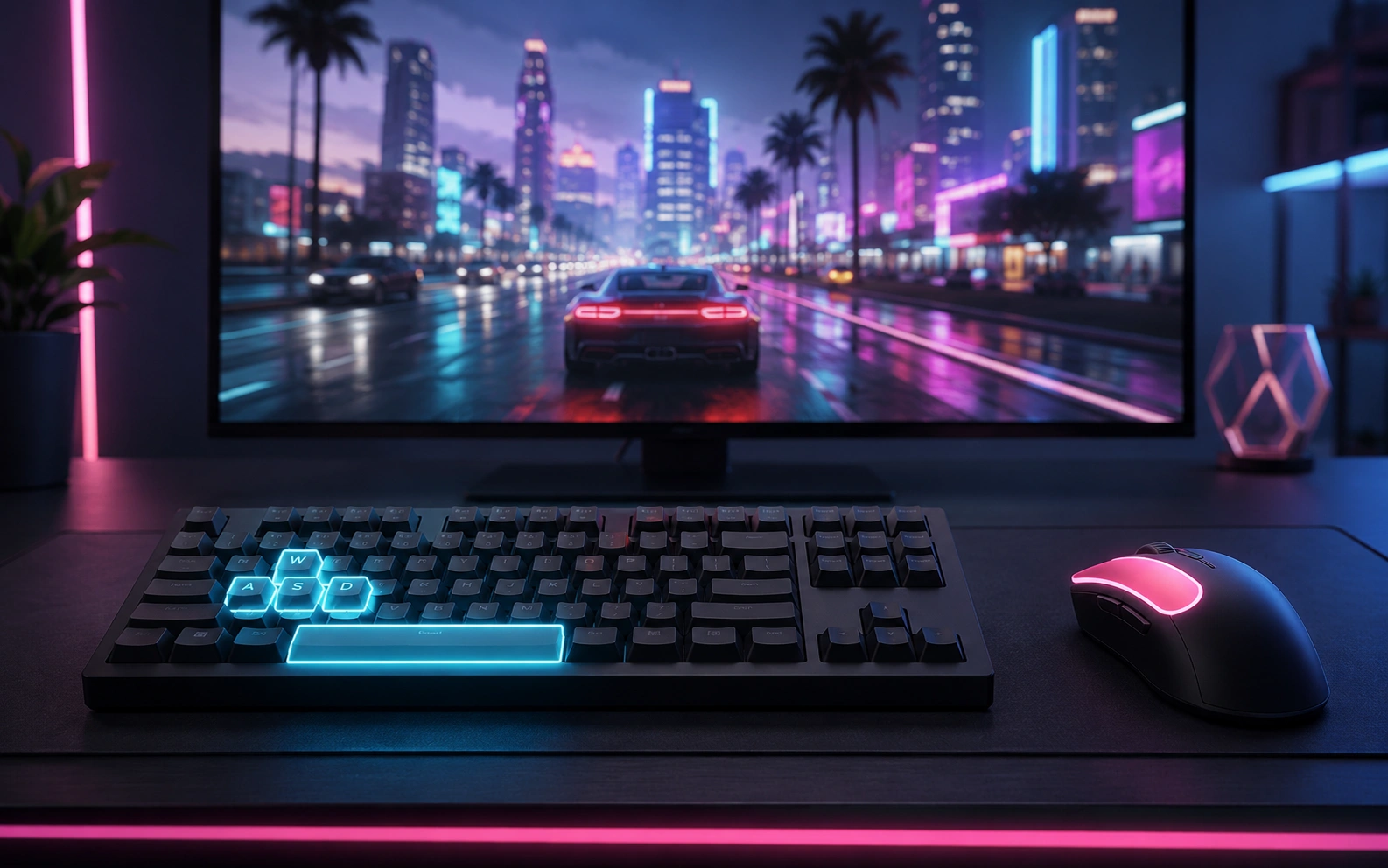
- 3. Use your keyboard to move around the city.
- 4. Drive vehicles, explore streets, and complete missions.
- 5. Use fullscreen mode for a better gaming experience.
- 6. If the game does not load, refresh the page or try a modern browser.
Quenq Vice City Controls and Common Inputs
| Action | Keys |
|---|---|
| Move | W / A / S / D |
| Camera | Mouse |
| Jump | Space |
| Enter Vehicle | F / E |
| Attack / Action | Left Click |
| Pause | Esc |
Controls may vary depending on the loaded game version.
Why Players Return to Quenq Vice City
Quenq Vice City keeps players around because the game removes common barriers. There is no separate client, no store flow, and no account wall before you can see whether the map, vehicles, and pacing fit your taste.
It also works well for people who want a light alternative to heavier downloads. When you only want a quick city sandbox session, opening a browser tab is often faster than installing a full desktop package.
- Fast launch for short gaming sessions
- No separate installer or account wall
- Free-roam streets, beaches, and vehicles
- Mission-style action when you want structure
- Works on modern desktop and mobile browsers
- Fullscreen mode improves comfort on smaller screens
Quenq Vice City Browser Tips
Quenq Vice City runs best when you give the page a few seconds to finish loading before moving, especially on older laptops or mobile devices. Closing extra tabs, using fullscreen mode, and keeping your browser updated can reduce stutter and input delay.
If sound or controls feel inconsistent, refresh once after the initial load. Browser-based games usually perform better when hardware acceleration is enabled and power-saving extensions are limited during gameplay.
- Use a current version of Chrome, Edge, Firefox, or Safari
- Prefer fullscreen on smaller screens for clearer controls
- Close streaming or heavy background tabs before launching
- Retry on a stable connection if assets load slowly
Who Should Play Quenq Vice City
Quenq Vice City is a fit for players who want to understand what they are launching before they click play. This guide answers practical questions about device support, browser behavior, controls, and the overall gameplay loop so visitors can decide quickly whether the experience matches their search intent.
It is also useful for people comparing different browser portals. Rather than repeating the same promise in every section, the goal here is to explain what the game feels like, who will enjoy it, and how to get a smoother first session.
Quenq Vice City FAQ
Is Quenq Vice City free to play?
Yes. Quenq Vice City can be played online for free directly in your browser. You do not need to pay before starting the game.
Do I need to download Quenq Vice City?
No. Quenq Vice City runs in the browser, so you can play without downloading a separate game client or installer.
Can I play Quenq Vice City on mobile?
Quenq Vice City may work on mobile browsers, but desktop is recommended for better controls, smoother movement, and a larger game screen.
Why is Quenq Vice City not loading?
If Quenq Vice City does not load, try refreshing the page, using another browser, disabling strict browser extensions, or checking your internet connection.
Is Quenq Vice City an official GTA title?
No. Some players search for Quenq Vice City GTA when looking for a quick browser session, but this website is an independent portal and is not affiliated with Rockstar Games, Take-Two Interactive, or the Grand Theft Auto franchise.
What browser works best for Quenq Vice City?
Modern browsers such as Chrome, Edge, Firefox, or Safari usually provide the best Quenq Vice City experience.
Does Quenq Vice City save progress in the browser?
Some Quenq Vice City versions may keep session progress temporarily, but browser games often reset after refresh or when you close the tab. If you want to keep a good run going, avoid reloading unless the game becomes unresponsive.
What should I do if Quenq Vice City feels slow?
Try fullscreen mode, close heavy background tabs, refresh once after Quenq Vice City loads, and make sure your browser is updated. A stable internet connection also helps assets load more smoothly.
If I searched for Quenq GTA Vice, am I in the right place?
Probably yes. People use slightly different search phrasing, and Quenq GTA Vice usually points to the same intent: finding a fast browser page for instant city-action gameplay without a separate download.
About This Quenq Vice City Page
This page is a lightweight browser portal built for discovery, fast loading, and simple navigation. It combines an instant play frame with concise setup guidance so visitors can move from search to gameplay without confusion.
The content is intentionally focused on real user questions such as loading speed, device expectations, controls, and whether the experience is official. That keeps the page useful to readers while staying clear about what the portal does and does not offer.
Disclaimer
Disclaimer: This website is an independent fan-made game portal and is not affiliated with Quenq, Rockstar Games, Take-Two Interactive, or the Grand Theft Auto franchise. All trademarks, logos, and game names belong to their respective owners.