Cobb Can Move
Use fullscreen when jumps and hazards feel too tight to read.
Cobb Can Move
Cobb Can Move is a free browser game for players who like simple movement, fast restarts, and compact puzzle-platform challenges. This game page lets you play instantly, read practical tips, and understand what to expect before you start.
Genre
Puzzle / Platform Movement
Short stages built around positioning and timing
Platform
Browser Game / HTML5
Playable inside the page iframe
Mode
Single Player
Restart, learn, and improve at your own pace
Device
Desktop / Mobile
Desktop keyboard play is recommended
Cost
Free Online
No paid download is required here
What Is Cobb Can Move?
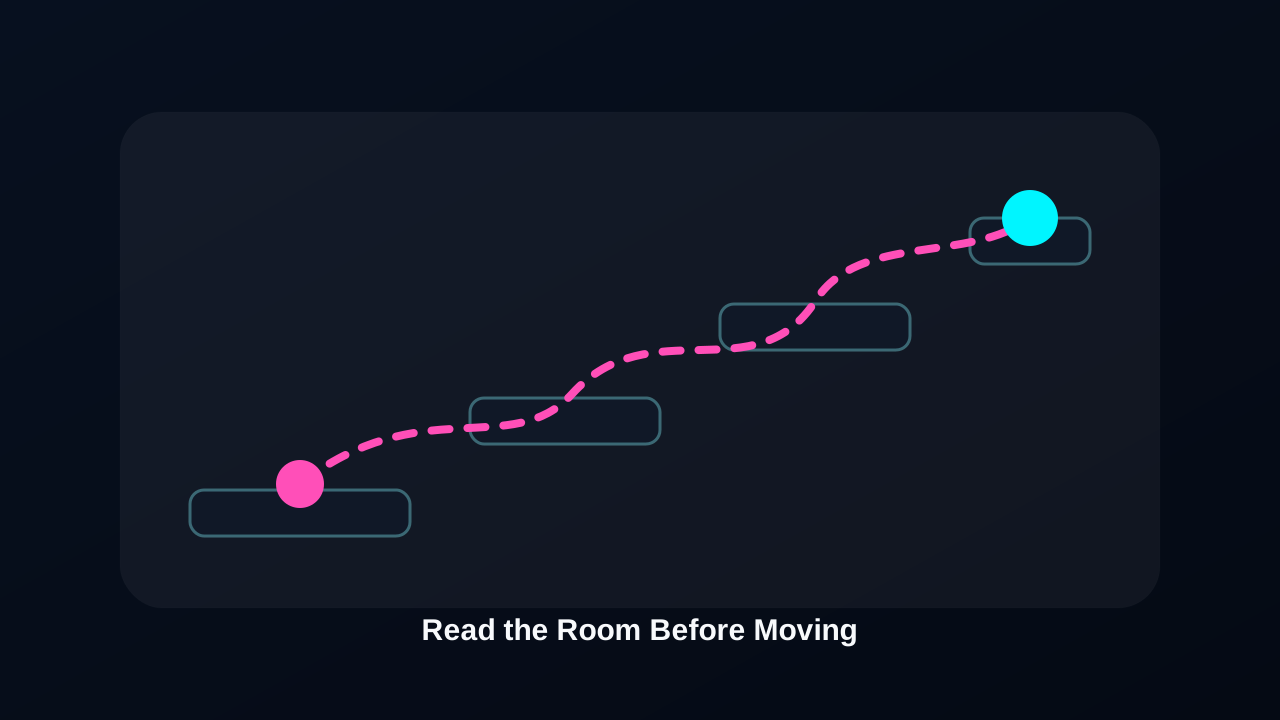
Cobb Can Move is a compact browser puzzle-platform game built around one clear idea: every movement choice should be read before it is made. The first session does not need a long setup, but it does reward attention. You look at the room, choose a safe landing, test the timing, and learn from the result. That direct feedback makes the game feel easy to enter while still giving careful players something to improve.
This page is meant to be useful before and during play. It gives you the working iframe, explains how the game starts, notes where browser focus can affect inputs, and separates the actual Cobb Can Move game from similarly phrased move-list searches. Instead of acting like a generic directory page, it focuses on the questions players usually have when they want to play, fix a loading issue, or confirm whether the game is free.
Cobb Can Move Game Highlights
The Cobb Can Move game works because each stage gives fast, visible feedback. When a route fails, the likely reason is usually on the screen: a direction was held too long, a jump started too early, or a safer platform was missed. That makes retries feel useful instead of random. The game asks for small corrections, not a complicated build or a long inventory of mechanics.
Another strength is the low-friction session length. You can open the page, press the play button, focus the frame, and test a route in a short break. It is a better fit for players who want a focused movement challenge than for players looking for a large story campaign. The page keeps that expectation clear so the visit matches the search intent.
- Embedded browser play after the user starts the game frame
- Movement-focused rooms that reward timing and observation
- Fast attempts that make small adjustments easy to test
- Short sessions with a clear learn, retry, improve loop
- No separate installer before the first playable attempt
- A direct answer for players asking Cobb Can Move is it free
How to Play Cobb Can Move
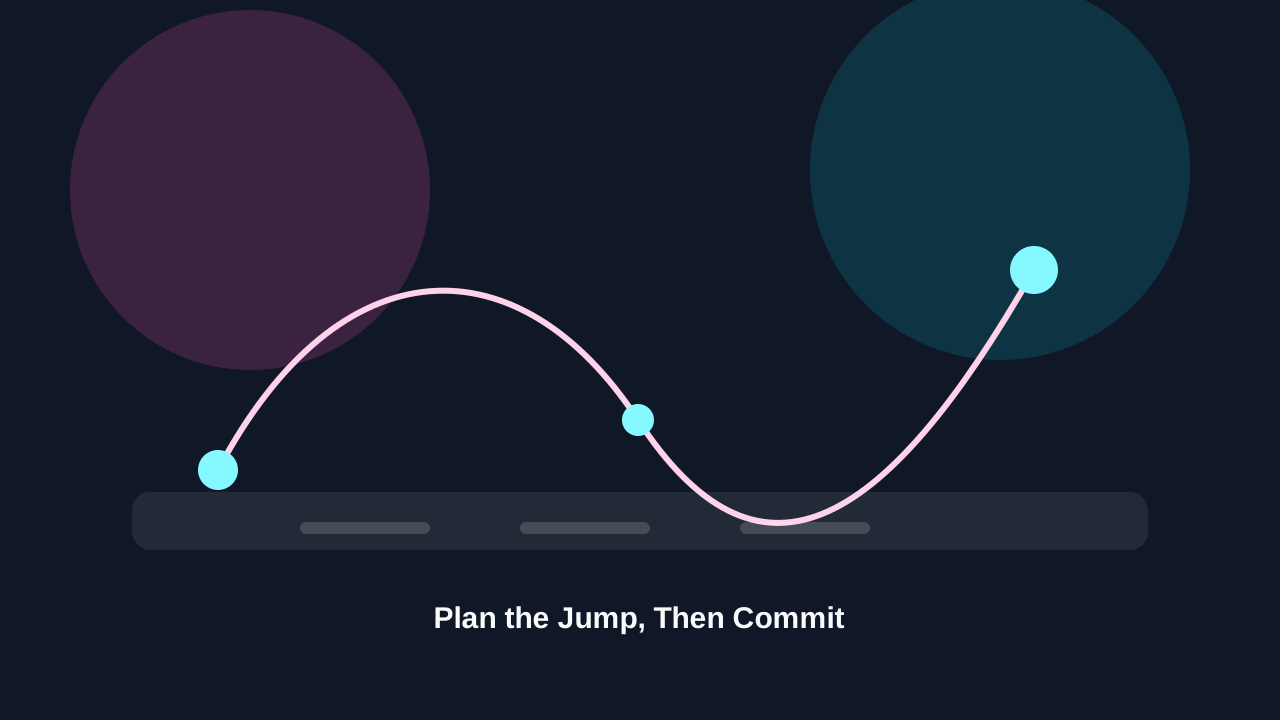
Start Cobb Can Move from the play button inside the game area. The iframe loads only after that click, which keeps the page lighter when you arrive and gives you control over when the third-party game starts. After the start screen appears, click or tap once inside the frame so your keyboard or touch input goes to the game instead of the page.
- 1Press Play now in the game frame above.
- 2Wait until the start screen or loading state finishes.
- 3Click or tap inside the frame to focus the controls.
- 4Test one movement input before attempting a full route.
- 5Restart quickly when the route is already lost.
- 6Use fullscreen when small hazards are hard to read.
If the player stays blank, use the troubleshooting section before assuming the current Cobb Can Move build is unavailable.
Cobb Can Move Controls and Inputs
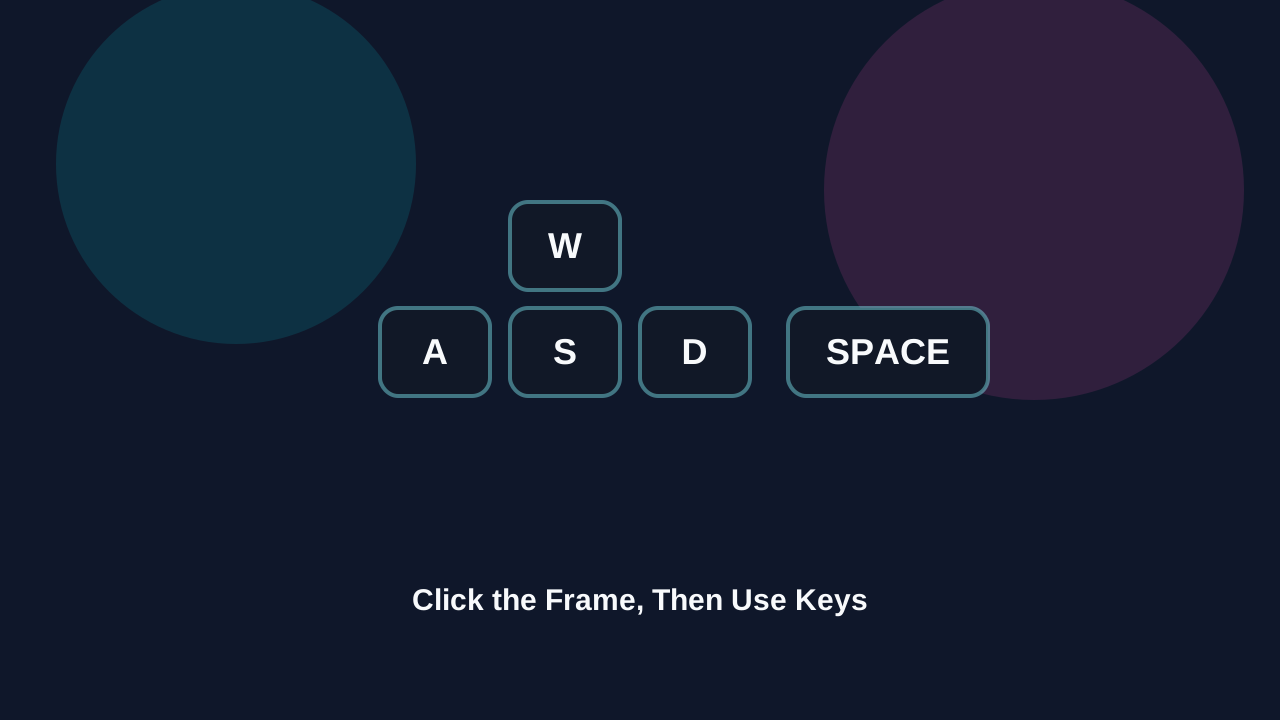
Cobb Can Move controls are intentionally simple, but browser focus matters. If the page scrolls, a key does nothing, or the character does not react, the iframe probably does not have focus. Click inside the game area once and try again. Desktop keyboard play is usually the most precise option, especially when a room needs a quick correction.
Controls can vary by build. If the current version shows a different prompt inside the iframe, follow the in-game prompt first.
Strategy Tips for Better Cobb Can Move Runs
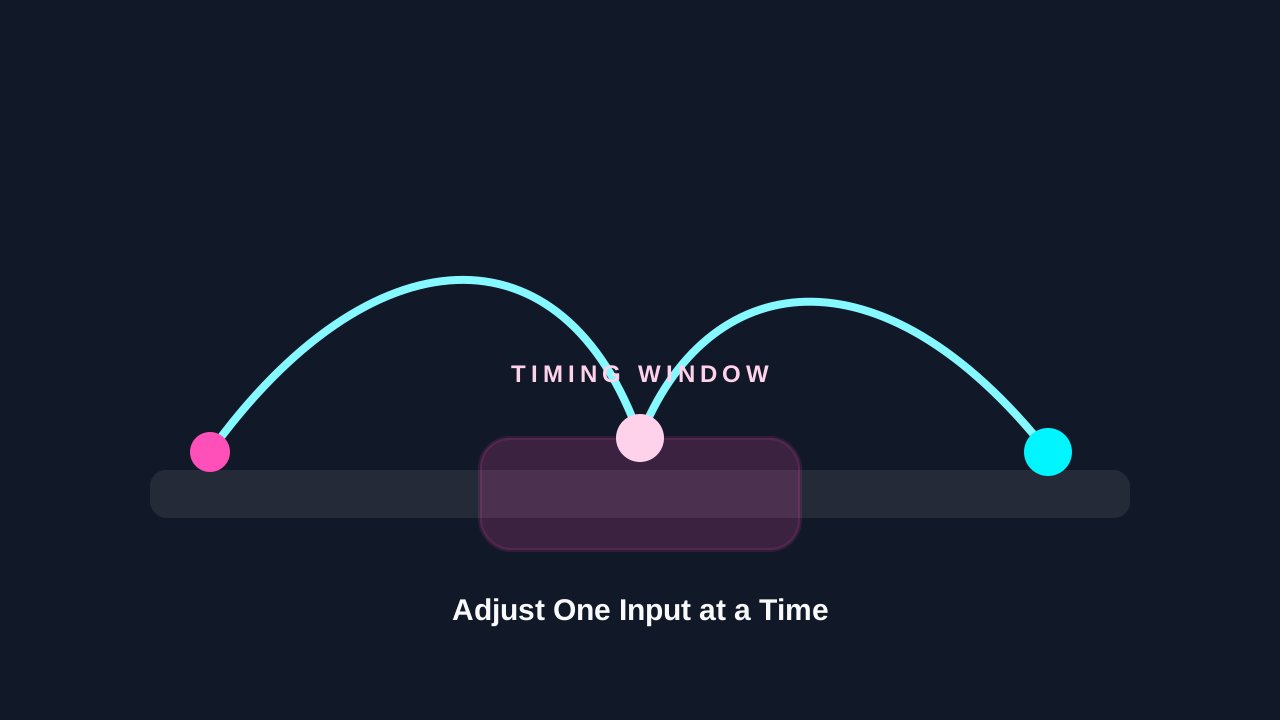
Good Cobb Can Move play begins before the first input. Scan the stage, identify the next safe tile, and decide whether the move needs a tap, a held direction, or a short pause. Many failed attempts come from moving before the room has been read. When you slow that first decision down, the rest of the route becomes easier to understand.
If a level keeps catching you, change one variable at a time. Jump later, release earlier, stand still for half a beat, or choose a wider landing. Cobb Can Move becomes clearer when each retry tests one idea instead of several guesses. Fullscreen can help here because a larger view makes small timing cues easier to notice.
For longer sessions, take short breaks after several failed attempts. The game restarts quickly, so it is easy to keep repeating the same mistake. A short pause often reveals the safer route. When a session starts to feel frustrating, look again for the simplest path rather than trying to force a faster one.
- Watch the level before moving at full speed
- Use small inputs when the platform space is tight
- Restart early when the route is already compromised
- Keep the browser tab focused so inputs are not dropped
- Use a stable internet connection for smoother asset loading
- Treat Cobb Can Move as a timing puzzle, not only a speed test
Cobb Can Move Is It Free?
Yes, Cobb Can Move is free to play on this page. The search phrase Cobb Can Move is it free usually comes from players who want to know whether a purchase, account, or download appears before the game starts. Here, the embedded player is available without a paid installer, and the page explains what to do if the iframe needs focus or takes time to load.
Free access does not mean every variable is controlled by this site. Cobb Can Move is loaded from a third-party game host, so availability, asset speed, and version changes can depend on that host. The useful promise is narrow and honest: this page provides access to the free browser game, basic play guidance, and troubleshooting notes without inventing fake rewards, ratings, or paid features.
Device and Browser Tips
Cobb Can Move should run best in a current version of Chrome, Edge, Firefox, or Safari. A modern browser gives the game better support for iframe focus, keyboard input, audio, and fullscreen. If you are on a school, office, or managed network, the embedded game host may be blocked even when this page itself loads normally.
On desktop, close heavy streaming tabs before launching the game. On mobile, use landscape mode and avoid zooming the page while the iframe is active. If the game stutters, refresh once after the first load, then wait before pressing inputs. Browser caches sometimes make the second load smoother because assets have already been requested.
- Use desktop keyboard controls when precision matters
- Click inside the game frame before using keys
- Try another browser if the game screen stays blank
- Disable strict extensions only if they block the iframe
- Keep battery saver off during active play when possible
- Refresh once if the game loads but input does not work
Troubleshooting Cobb Can Move
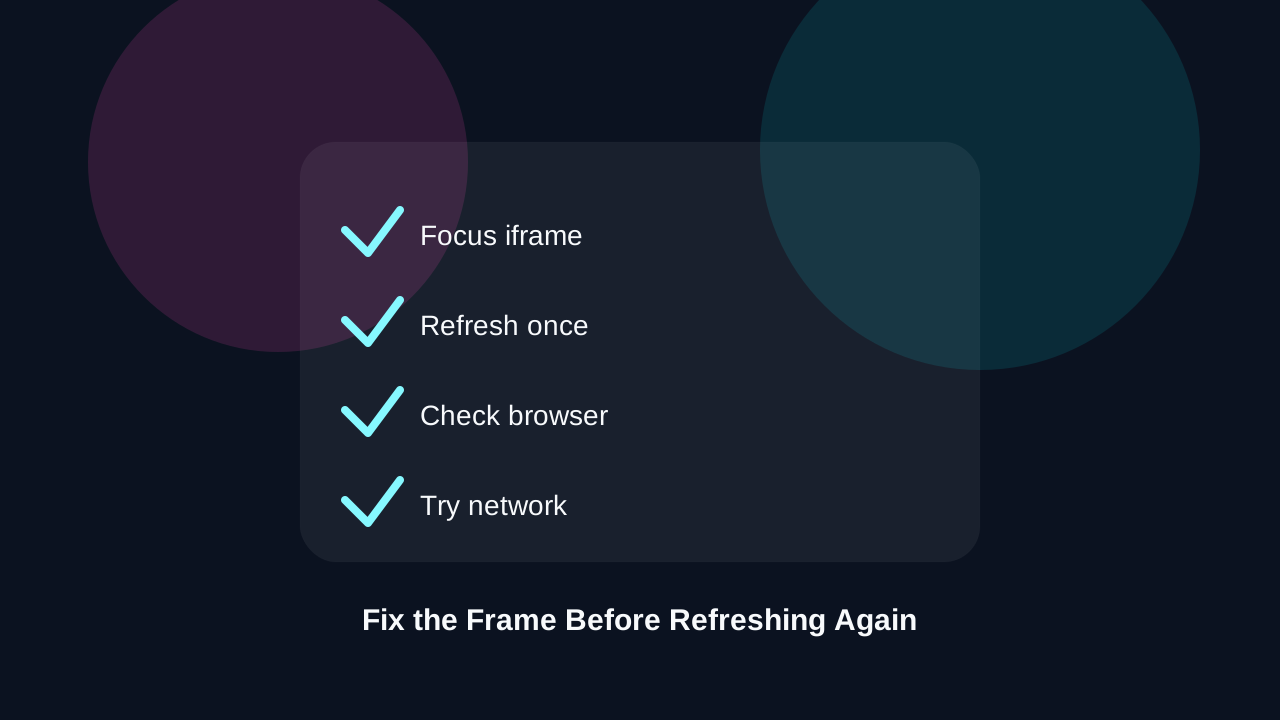
If Cobb Can Move does not load, first identify the symptom. A blank frame often points to network filtering, a browser extension, or a temporary host issue. A visible screen with no movement usually means the iframe does not have focus. A long loading screen may simply need more time before a single refresh is useful.
If it loads slowly, avoid rapid refreshes. They can restart the same asset requests and make the delay feel worse. If the player opens but feels laggy, switch to fullscreen, close background tabs, and use a stable Wi-Fi or wired connection. If nothing changes after those checks, try again later in case the game host is under load.
- Blank frame: try another network or browser
- No input: click inside the game frame once
- Slow load: wait, then refresh only once
- Lag: fullscreen and close background tabs
- Tiny screen: rotate mobile or use desktop
- Still stuck: return later if the game host is unavailable
Who Should Play Cobb Can Move
Cobb Can Move is a good fit for players who enjoy short tests of control, route planning, and quick retries. If you like games that teach through immediate feedback, it gives you that loop without a long commitment. The page is also useful for players who want the player, guide, FAQ, and troubleshooting notes in one place before starting.
It may not be the best match if you want a long story, open-world exploration, or complex character progression. Its strength is smaller and sharper: learn a movement rule, test the rule, and get better. Because this game page keeps the content focused on play, it answers practical questions before asking you to spend time inside the frame.
Cobb Can Move Name Clarification
Some searches around Cobb Can Move can overlap with similarly phrased questions about move lists in other games or mods. This page keeps the scope narrow: Cobb Can Move here means the playable browser puzzle-platform game embedded above.
If you were looking for a move database, mod guide, or character learnset reference, this page is not trying to answer that separate intent. It is built for players who want to launch Cobb Can Move, understand the controls, confirm free access, and troubleshoot the embedded game frame.
About This Cobb Can Move Page
This Cobb Can Move page is built as a practical game destination: the player appears first, the guide supports the session, and the FAQ answers the questions most likely to appear before or during play. The content is intentionally specific because players searching for Cobb Can Move usually want a working game page, not a broad article that could describe any puzzle game.
The page also avoids fake ratings, invented reviews, unsupported promises, or hidden claims. Cobb Can Move is presented as a free browser experience with clear limits: loading depends on the embedded host, controls can vary by build, and mobile comfort depends on screen size. That honesty keeps the SEO content aligned with what is actually visible on the page.
Cobb Can Move FAQ
Is Cobb Can Move free to play?
Yes. Cobb Can Move is free to play on this page through the embedded browser game frame, and you do not need a paid download to start.
Do I need to download the Cobb Can Move game?
No. The Cobb Can Move game runs in the browser iframe, so you can start from the page without installing a separate client.
Why is Cobb Can Move not loading?
If Cobb Can Move does not load, refresh once, try another modern browser, disable strict extensions that block iframes, or check whether your network blocks the game host.
Can I play Cobb Can Move on mobile?
Cobb Can Move may work on mobile browsers, but desktop play is recommended because keyboard input usually gives better control and a larger view.
Cobb Can Move is it free?
Cobb Can Move is it free is a common search phrasing, and the answer here is yes: the embedded Cobb Can Move game can be played online without a purchase.
Is Cobb Can Move a move-list or mod guide?
No. Cobb Can Move is a browser puzzle-platform game. This page focuses on playing the game, controls, free access, and loading help rather than external move databases or mod documentation.
Disclaimer
Disclaimer: This website is an independent game portal. Cobb Can Move is loaded from a third-party game host, and all game names, logos, and assets belong to their respective owners.