Core Use
View Almost Any Numberblock
Jump to a value and see the matching character without stage play
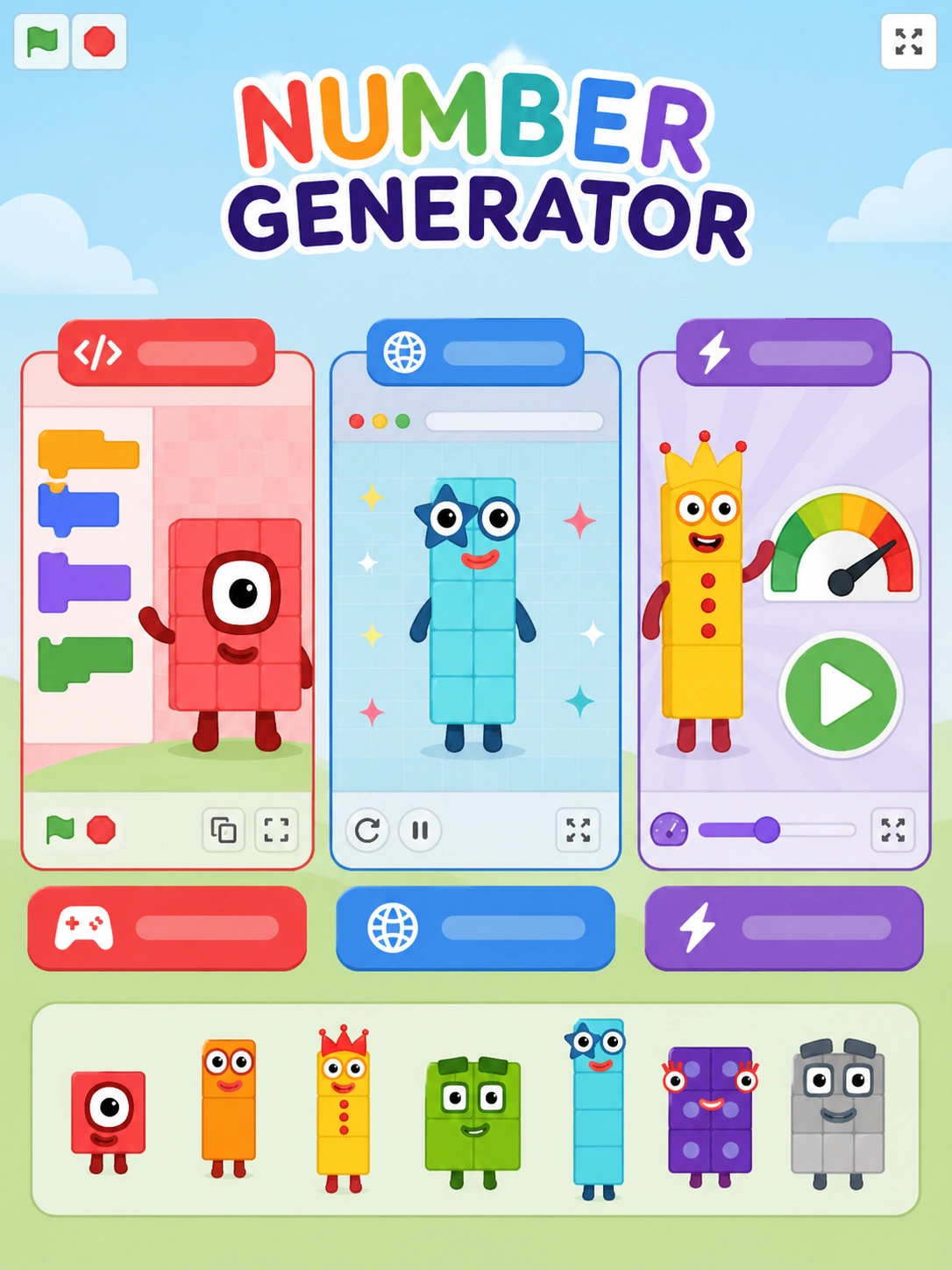
Numberblocks Generator
Use fullscreen when the menu, clubs, or number tools feel cramped on smaller screens.
Numberblocks Generator is less like a level-based game and more like an interactive viewer. This page lets you jump to a value, open the menu, check clubs, read info, hear the number, and move into larger ranges with AUTO and EXP.
Core Use
View Almost Any Numberblock
Jump to a value and see the matching character without stage play
Menu
Three Green Bars
Open the in-game menu to reach number tools, clubs, info, voice, auto, and EXP
Special Tool
CLUBS
Shows which clubs the current value belongs to
Big Numbers
AUTO + EXP Mode
Use automatic counting and exponential mode when simple step buttons are not enough
Best Host
TurboWarp Main Build
Best choice when larger numbers and club lookups start to lag
Numberblocks Generator is a fan-made browser tool that lets you call up almost any Numberblock and inspect extra details around it. The Main build works best when you want fast lookup, value jumping, and club browsing in one place.
That is why this page explains the menu instead of pretending it is a normal obstacle game. The real value is in the tools: change the current number, open clubs, read info, hear the number, and push into much larger ranges.
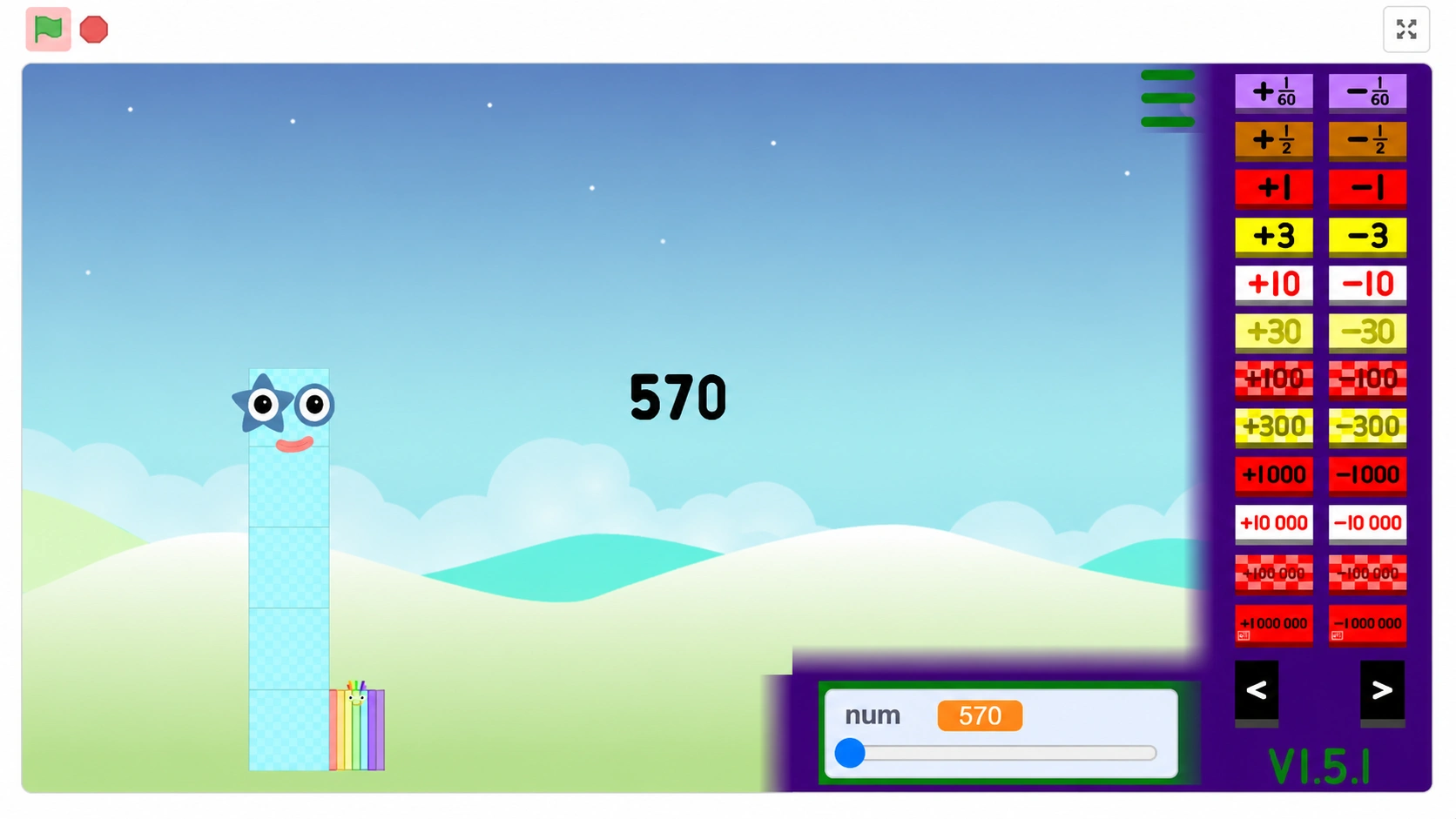
Last tested on May 24, 2026 with TurboWarp project 1291946676, the same Main embed used in the player above. The check focused on loading the frame, finding the three-bar menu, moving between menu pages, and confirming that SET, CLUBS, SAY NUMBER, AUTO, and EXP are the important controls to look for.
Those notes are included so the page is based on an actual play-and-menu check instead of a generic game listing. If the hosted project changes, this section should be updated with the new test date, the tested host, and any changed menu behavior.
Testing note: this page is independent and fan-made; it documents the public TurboWarp embed behavior visible at the time of the May 24, 2026 check.
Start the generator from the frame above, wait for the player to load, and click once inside it so the embed has focus. The button with the three green bars is the key control, because many users do not notice that the menu is where the useful tools live.
After the menu opens, use the page arrows marked with "<" and ">" to switch tool pages. That small step makes the tool much easier to use, because the value controls, clubs, info, voice, and larger-number modes are split across menu pages.
The main job of the generator is changing values quickly and precisely. Here, the slider is fastest for short travel, the step buttons handle nearby values, `SET` jumps to an exact value, and `+X` makes custom jumps practical.
That matters because most numberblocks generator game searches are really lookup searches. People use the page to find a target value, compare nearby values, or move across a huge range without clicking one step forever.
`CLUBS` is the feature that gives the tool its identity. Instead of only showing a character, it can tell you which clubs the current Numberblock belongs to, which makes the page useful for lookup and browsing.
`INFO` and `SAY NUMBER` extend that idea. They turn the generator into something closer to a reference toy: you can read context, hear the current value, and compare entries without leaving the player.
`AUTO` is for people who want the player to keep moving without manual clicks. Once AUTO is running, it can step through a sequence by a chosen amount every half second, which is useful for watching patterns instead of testing single values.
`EXP` pushes Numberblocks Generator into much bigger ranges, while `FIGURED OUT FRENZY` toggles unofficial fan-made characters. That mix is useful, but the page should label fan-made content honestly so users know it is not official Numberblocks material.
The project has a specific performance quirk: clubs can slow down above `30000` on normal Scratch. When users think the player is broken, this is often the reason.
That is why this page uses the TurboWarp Main build. TurboWarp makes club lookups, larger values, and longer browsing sessions smoother, especially when you are using EXP instead of doing a quick single-value check.
The Main build belongs on this page because it matches the fastest search intent: open the tool and start using it right away. Scratch searches are closer to remix culture and community browsing, while Websim points to a different browser-made presentation.
If someone searched numberblocks generator scratch, numberblocks scratch generator, or numberblocks scratch generator mind-blowing, they are probably looking for remix energy, novelty, or community-made variations. For the cleanest default experience first, the Main build is still the better landing page.
The generator is best for three groups: fans who want one exact Numberblock, users who care about clubs and info, and bigger-number explorers who want AUTO or EXP. It is much more about browsing and experimenting than reflex play.
That is why the page centers practical help: where the menu is, what the buttons do, when clubs slow down, and when unofficial content appears.
Look for the button with the three green bars after Numberblocks Generator loads. That menu holds the page arrows, clubs, info, voice, auto, and EXP options.
CLUBS opens a menu showing which clubs the current Numberblock belongs to. It is one of the best reasons to use the generator as a lookup tool, not only as a character viewer.
It can run slower when CLUBS is opened on numbers above 30000 in normal Scratch. That is why the TurboWarp Main build is the better choice when you want less lag.
EXP toggles exponential mode so the page can move far beyond ordinary large values. It is the feature that turns the generator from a simple viewer into a bigger-number exploration tool.
No. Figured-Out Frenzy is fan-made content. The generator can toggle it on or off, but the page should treat it as unofficial and separate from official Numberblocks material.
The Main version on this page is the better quick-start option, especially for performance. Scratch-style versions are closer to community remix culture, while the Main TurboWarp build is the cleaner default for direct use.
Disclaimer
Disclaimer: This website is an independent fan-made portal. The generator is loaded from a third-party game host and is not affiliated with Numberblocks, BBC, CBeebies, or other official brand owners.